

With just a few simple steps, patients can download the application, register an account and use convenient functions such as looking up medical examination information, tracking results and quickly making an appointment. quickly.
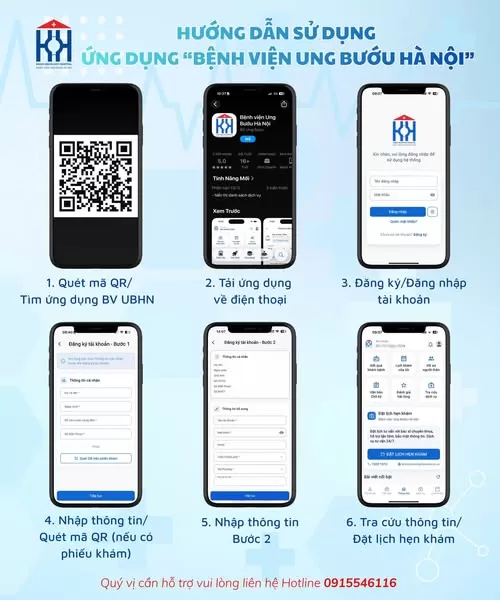
Steps to download and use the application
Step 1: Scan the QR code or search for the app “Hanoi Oncology Hospital” on the phone app store.
Step 2: Download and install the application on your phone
Step 3: Open the application and register an account to start using.
Step 4: Enter personal information or scan the QR code on the examination form (if the patient has been examined at Hanoi Oncology Hospital) so that the system can identify the patient's profile.
Step5: Complete the necessary information to activate your account.
Step 6: After successfully logging in, patients can look up medical examination information, track results, manage records and make medical appointments right on the application.
Using the application helps patients save time, actively monitor medical examination and treatment information and easily connect with the hospital during treatment.
If you need support, please contact Hotline: 0915 546 116